AI Product Photography: How to Prompt for High-Converting E-commerce Visuals
AI Product Photography: How to Prompt for High-Converting E-commerce Visuals
In the competitive world of e-commerce, high-quality visuals make or break sales. Traditional studio photoshoots are expensive, time-consuming, and hard to scale. This is where AI product photography changes the game. By using a smart AI product photo generator, sellers on platforms like Shopify and Amazon can create gorgeous, studio quality product photos in seconds for a fraction of the cost.
However, getting photorealistic results requires understanding how to communicate with image models. Writing a vague prompt will lead to distorted text, plastic textures, and awkward framing.
In this guide, we will break down the exact formula to structure high-converting lifestyle product prompts and look at real-world templates from our gallery that you can use right now to generate beautiful e-commerce AI product images.
The Anatomy of an AI Product Prompt
To achieve photorealistic product photography with models like Midjourney, Gemini, or DALL-E, your prompt should act as a detailed creative brief for a professional photographer. Instead of just naming the product, you must describe the scene using these five core elements:
- The Hero Subject: Exactly what is the product? Describe its materials, shapes, and textures (e.g., a frosted glass amber bottle with a gold cap).
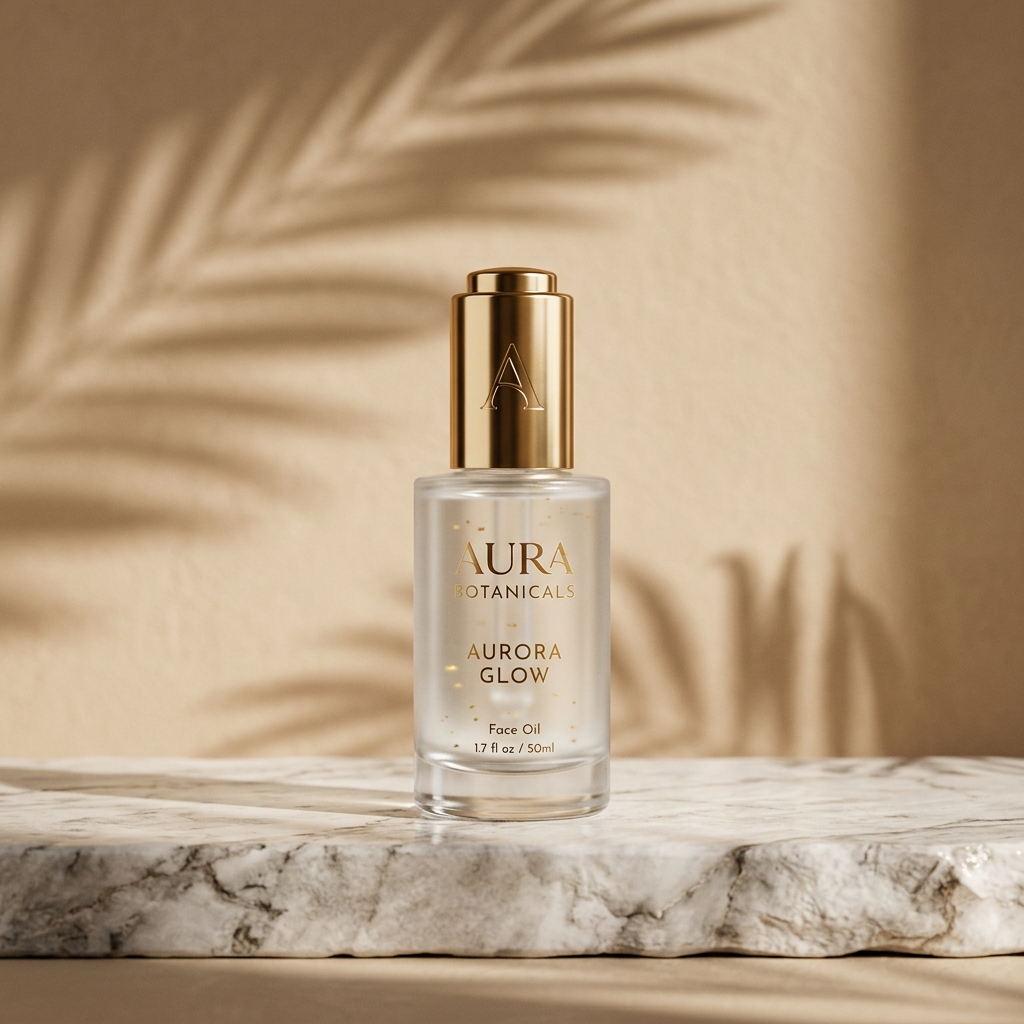
- Staging & Environment: What is the product resting on? What is in the background? (e.g., resting on a wet marble slab, surrounded by fresh lavender branches, clean minimalist beige wall).
- Studio Lighting: Lighting dictates the mood and realism. Avoid generic words and specify lighting types (e.g., soft diffused studio light, harsh side spotlight, warm morning sunlight with leaf shadows).
- Camera Specs & Angle: Tell the AI how to frame the shot (e.g., shot on 85mm lens, f/2.8 aperture, shallow depth of field, sharp focus, eye-level commercial packshot).
- Brand Style & Color Palette: Ensure the colors align with your brand (e.g., monochromatic pastel green theme, luxury cosmetic advertising aesthetic).
Real-World Templates From Our Directory
Let's look at three battle-tested prompts from the Prompts Grid gallery that illustrate these principles in action.
1. High-End Cosmetic & Skincare Photography
If you want to showcase skincare, cosmetics, or wellness products, the goal is to convey cleanliness, hydration, and freshness. Utilizing water splashes, botanicals, and soft lighting helps build trust.
Our Ultra-Realistic Skincare Product Photography template showcases how to float a frosted bottle alongside a crystal-clear splash of water and fresh fruit, creating a dynamic, premium ad layout:
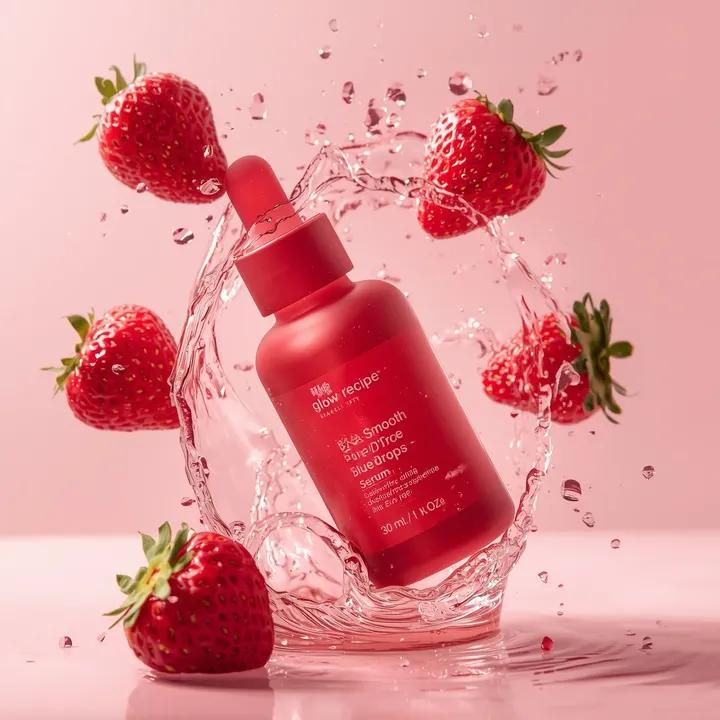
This style is perfect for modern fruit-infused skincare campaigns. For a softer, dessert-inspired aesthetic, you can also explore the Melting Strawberry Cream Staging template.
2. Luxury Fragrance & Monochromatic Staging
Luxury products demand symmetry, clean geometric lines, and highly controlled reflections.
Our Monochromatic Pastel Lavender Staging template shows how to use geometric arches, steps, and soft gradients to frame a perfume bottle:
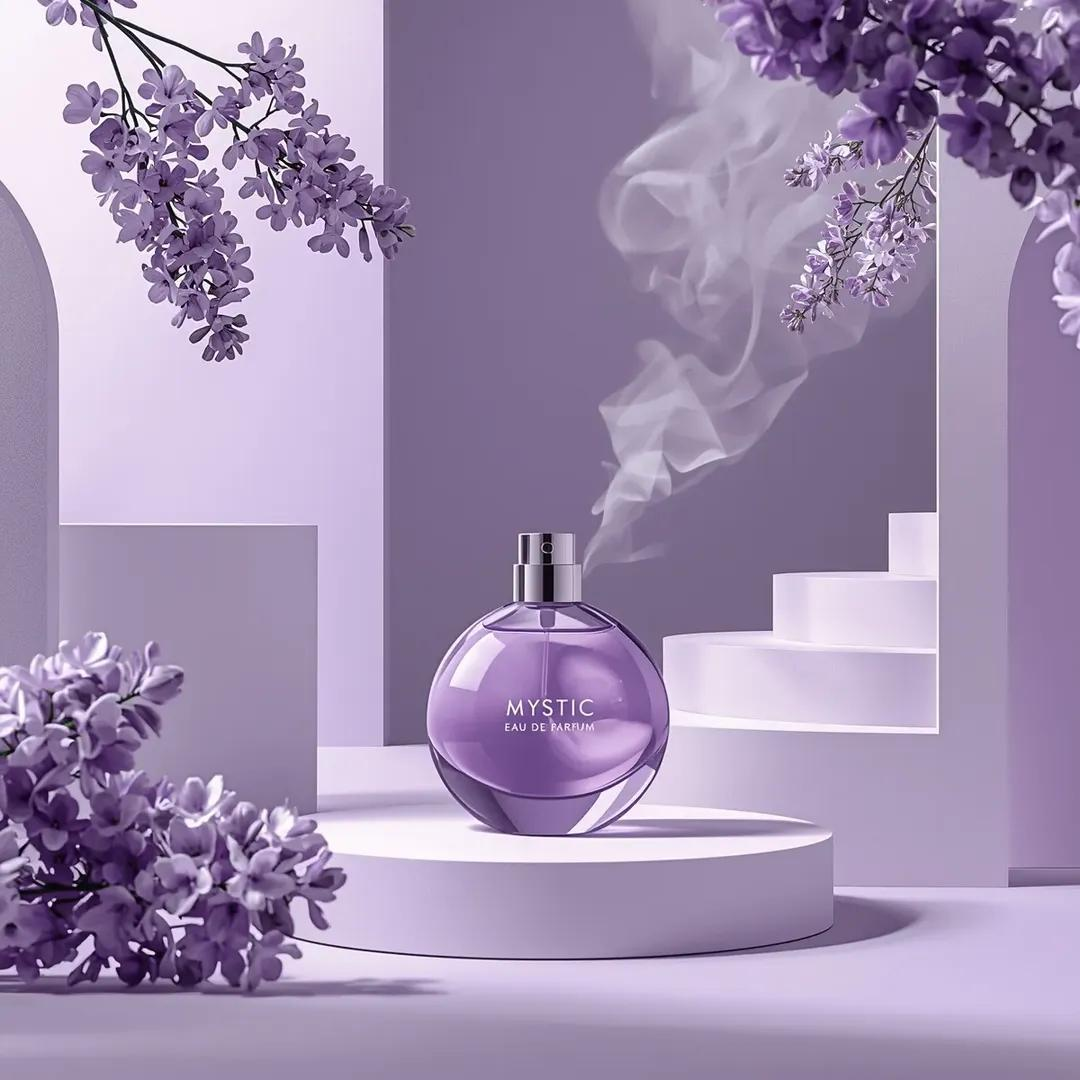
If your brand calls for dark, mysterious, or masculine branding (similar to Tom Ford or Chanel campaigns), check out our Black and Gold Luxury Perfume Staging template.
3. Reference-Image Grounding & Studio Lighting
One of the biggest challenges in AI product photography is maintaining the exact details of your actual product. The trend is moving towards reference-based rendering (Image-to-Image), where you upload your raw product photo and let the AI background generator place it in a new scene.
Our Reference-Based Low-Key Studio Setup template is designed specifically for this workflow, preserving the product's key details while applying dramatic spotlight effects:
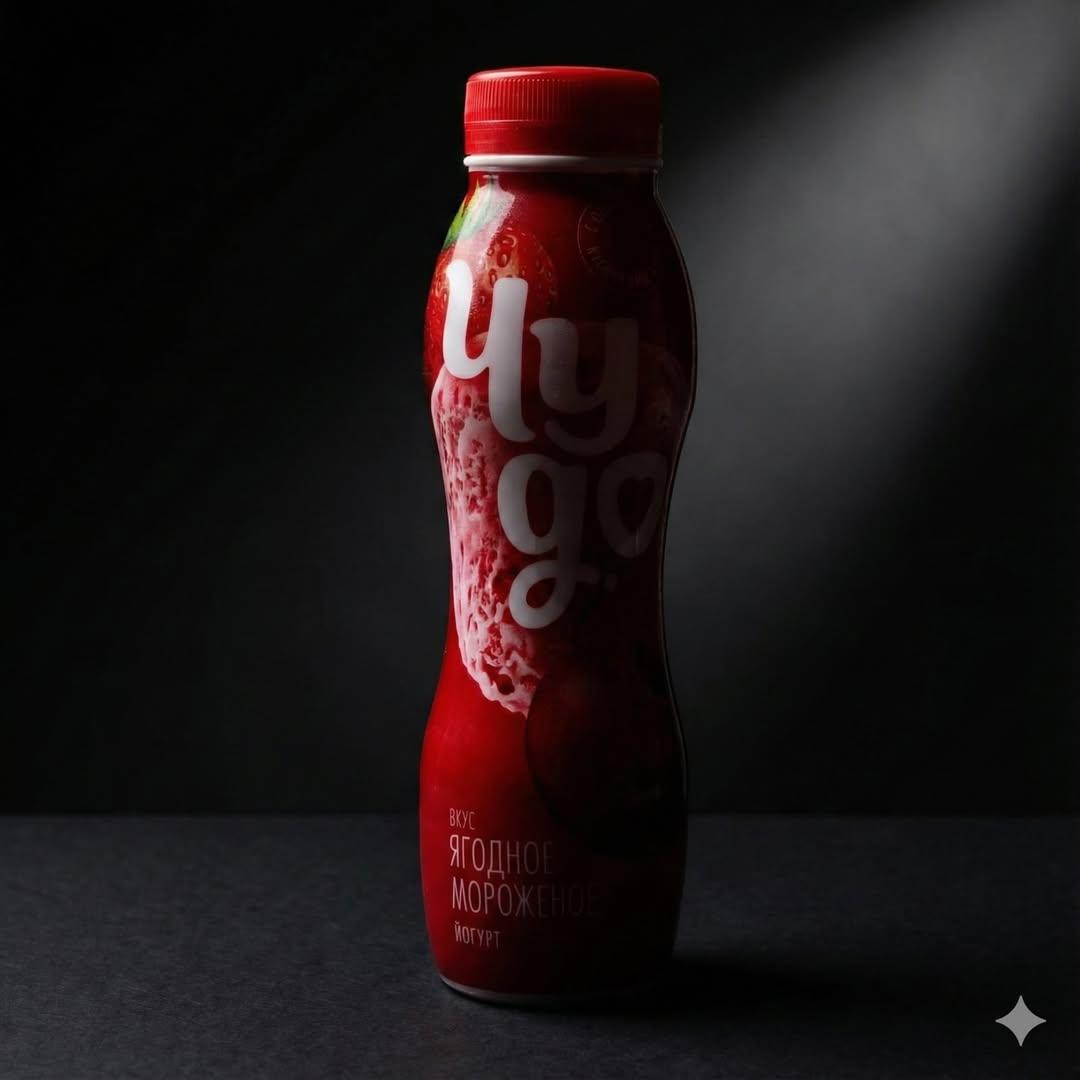
This ensures the physical geometry of your product is retained while generating realistic shadows and environmental lighting.
Boost Your Sales with Prompts Grid
Ready to transform your online store's storefront visuals?
- Visit the AI Prompts Gallery to access premium, copy-pasteable templates.
- Filter by Product Photography to find the perfect style for your cosmetics, beverages, or tech gadgets.
- Use our One-Click Launch feature to open prompts directly in ChatGPT, Gemini, or Claude.