Grid Aesthetics: How to Prompt for Cohesive Instagram Feeds and Brand Boards
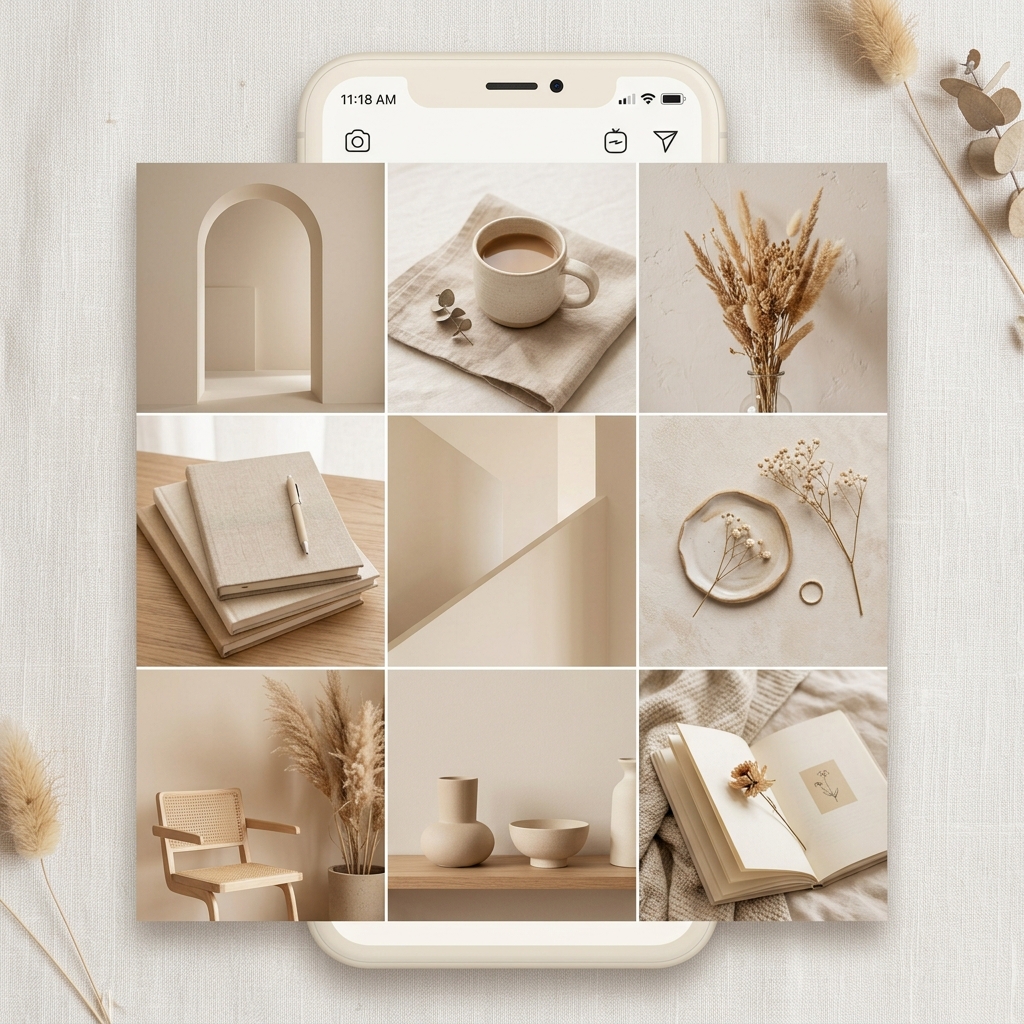
Grid Aesthetics: How to Prompt for Cohesive Instagram Feeds and Brand Boards
In the world of social media, consistency is identity. A mismatched, chaotic feed drives potential followers and customers away. For brands, maintaining a unified visual language is the key to building trust.
However, generating AI images one by one often results in "style drift"—where every image looks like it was shot by a different photographer under different lighting conditions.
In this guide, we will look at how to construct prompts that guarantee visual cohesion across multiple posts, and how to utilize our gallery's dynamic templates to launch consistent campaigns in seconds.
4 Rules for Style Consistency in Prompts
To generate a series of images that feel like they belong to the same photoshoot, you must standardize the "camera crew" settings across all your prompts. Follow these four rules:
1. Lock in the Color Palette
Define 2 to 3 dominant colors and specify their roles. Mentioning hex codes or clear color keywords forces the model to stick to your brand guidelines.
- Example:
Monochromatic cream and warm beige color palette, with subtle gold accents.
2. Define the Lighting and Shadow Direction
Lighting shapes the mood. If one photo has dark, moody lighting and the next has bright studio lighting, your grid will look disjointed.
- Example:
Soft morning sunlight casting long, organic shadows of leaves on the wall.
3. Standardize the Camera Angle and Lens
Use the same virtual camera gear for your entire feed. A mix of macro close-ups and wide-angle street shots can work, but only if the depth of field remains unified.
- Example:
Shot on 85mm lens, f/2.2 aperture, shallow depth of field, minimalist composition.
4. Leverage Style Reference Parameters
If you are using Midjourney, parameters like --sref (Style Reference) let you feed a base image URL to the engine to guide the texture, colors, and aesthetics of all subsequent generations.
Cohesive Templates From Our Gallery
Let's look at how these rules translate to real templates in the Prompts Grid directory.
Structured Environmental Staging
Our featured Monumental Product Can in the Arctic template shows how structured JSON formats can dictate consistent lighting, locations, and weather constraints to preserve style across generations:
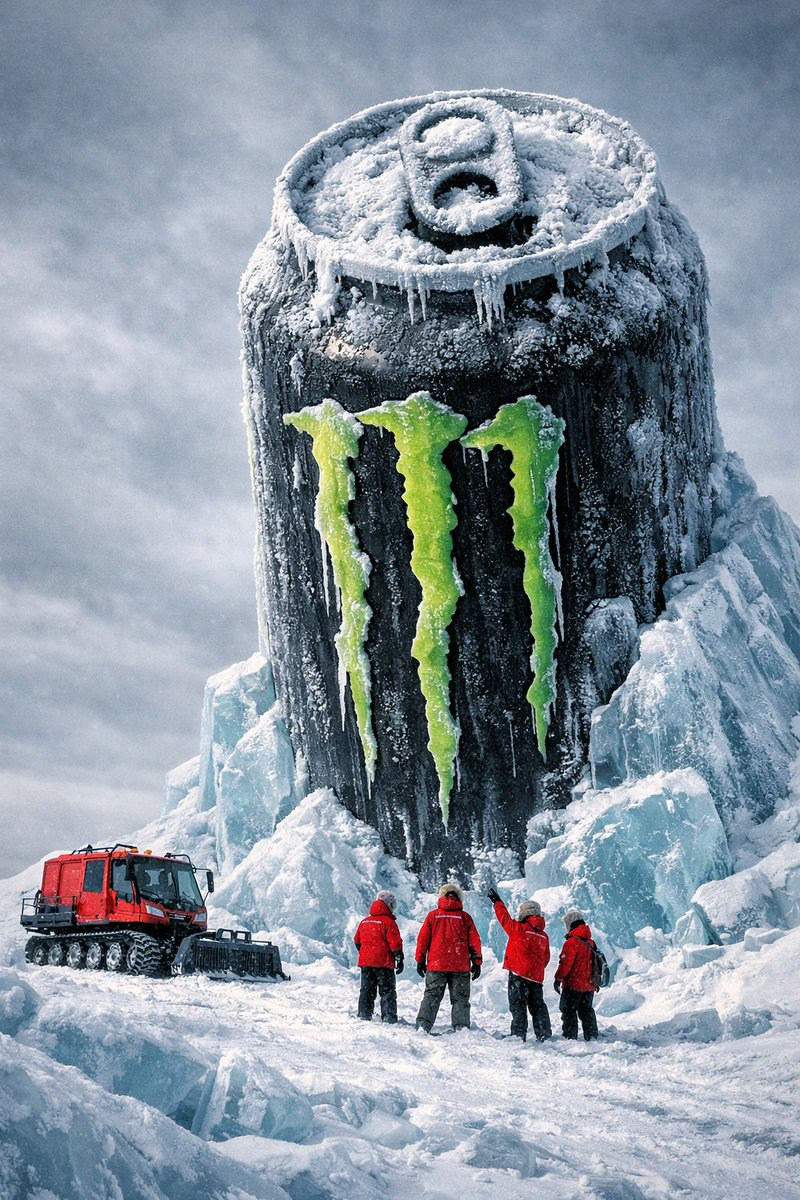
This template locks in the lighting and atmosphere, allowing you to swap variables like the brand or location while keeping the cinematic depth of field and color profile constant.
Streamlining Your Campaign Launch
One of the biggest advantages of utilizing Prompts Grid is that you do not need to manually copy, paste, and modify these long, complex style variables.
Every prompt detail page features dynamic arguments (placeholders). You can easily type in your specific product names, accent colors, or clothing styles directly in the text inputs in your browser. The page dynamically generates the final customized prompt code.
From there, you can use our One-Click Launch buttons (such as Open in ChatGPT, Open in Gemini, or Open in Claude) to instantly open your favorite AI interface with the customized prompt pre-filled and ready to go.
Build Your Next Visual Board
Are you ready to design a gorgeous, unified social media feed?
- Browse through our curated collection of AI Prompts.
- Filter by the
ads-marketingtag to find layouts designed for commercial visual consistency. - Lock in your favorite aesthetic, tweak the variables, and launch your next photoshoot in a single click.