Standardizing Official Documents: Generating Passport Photo Grids with Precision
Standardizing Official Documents: Generating Passport Photo Grids with Precision
Whether you are applying for a visa, renewing a passport, or creating professional corporate IDs, having a clean, standardized portrait photo is essential. Traditionally, this required visiting a photography studio, waiting in line, and paying for prints. In 2026, AI image restoration and AI portrait generation technologies have simplified this process. With a structured AI prompt generator, you can easily generate print-ready photo sheets or restore vintage portraits directly from your computer.
However, generating official documents requires extreme precision. Unlike creative art, passport photos must follow strict governmental regulations regarding lighting, expression, background, and head proportions.
In this guide, we will explore the best practices to generate high-resolution passport photo grids and restore damaged portraits using verified templates from our interactive prompt gallery.
Key Requirements for Official AI Portrait Prompts
When writing prompts for official ID or passport photo generation, you must strictly control the environment to match standard guidelines:
- Identity & Facial Likeness: The prompt must instruct the model to preserve the subject's exact identity without modifications (e.g., exact face likeness, 99% match, no facial changes).
- Neutral Expression: Keep the expression neutral and compliant (e.g., neutral closed-lip expression, straight head position, looking directly at the camera).
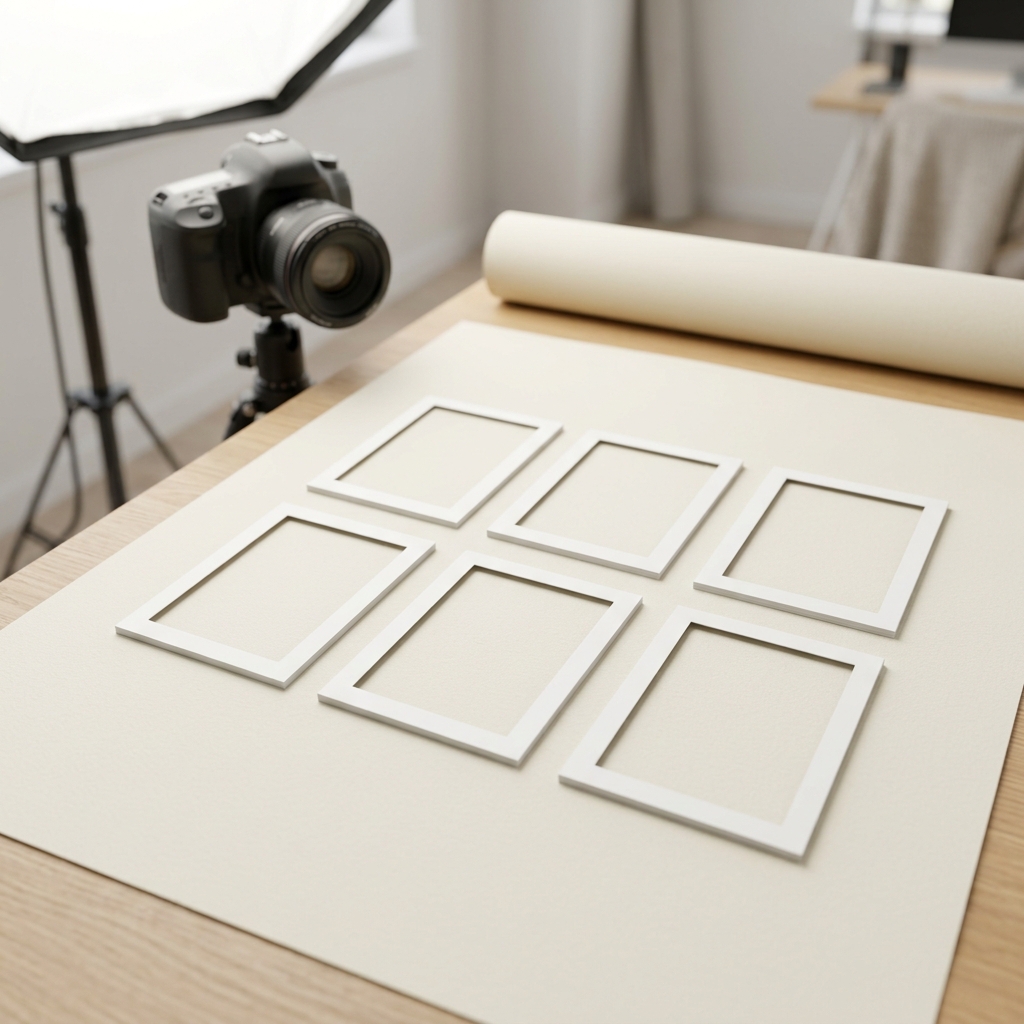
- Structured Grid Layout: For easy printing, define the grid layout on a single sheet (e.g., vertical 3x2 grid layout containing 6 identical photos, evenly spaced, print-ready sheet).
- Studio Lighting & Background: The background must be clean and uniform, and the lighting balanced (e.g., even balanced front studio lighting, plain light cream or light blue background, no shadows).
Professional Templates From Our Gallery
Let's look at two battle-tested templates from the Prompts Grid gallery that illustrate these guidelines in action.
1. Print-Ready Passport Photo Sheets
Creating a template that prints multiple copies of the same photo saves time and ensures consistent dimensions.
Our Passport Photo Grid template shows how to format a structured JSON prompt that instructs the AI to generate a vertical 3x2 grid of identical portrait photos:

This template is perfect for passport and official ticket applications, ensuring both ears are visible and the expression conforms to legal standards.
Our Advanced Image Restoration and Upscale template details how to configure positive and negative parameters to enhance details, remove noise, and preserve original identity.
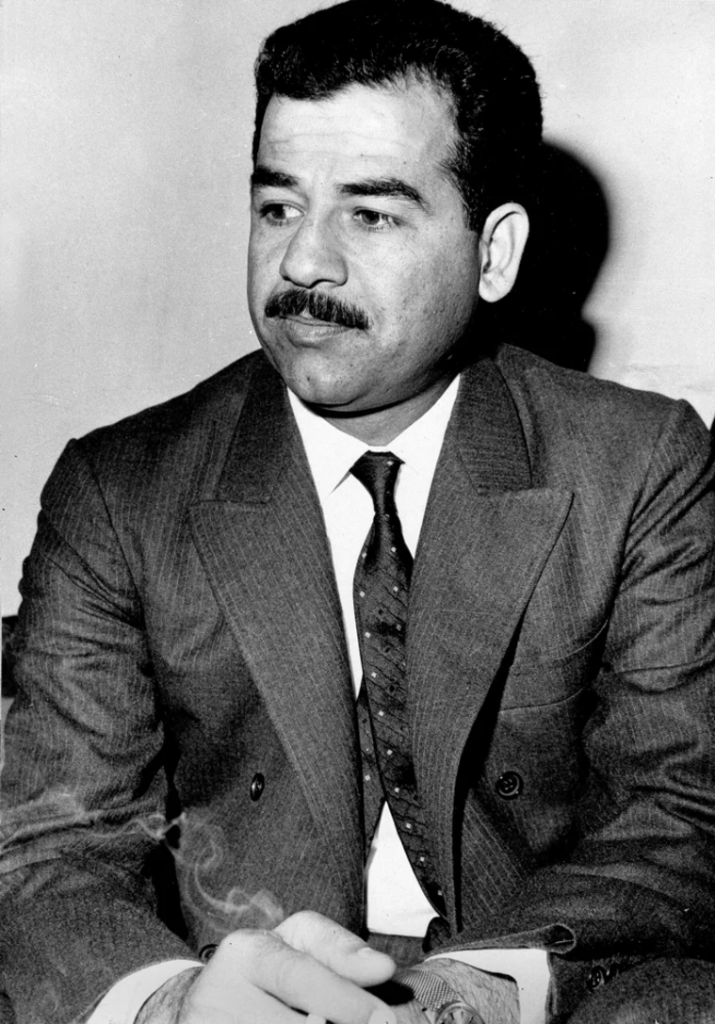
Here is a side-by-side comparison showcasing the original damaged/black-and-white base image and the final restored, colorized output:
| Before (Original Base Image) | After (Restored & Colorized Output) |
|---|---|
 |
 |
By setting precise parameters like denoising strength and upscaler types, you can upscale your images to 4K resolution while retaining realistic skin textures and facial structures.
Simplify Your Image Workflows with Prompts Grid
Ready to standardize your official documents or restore family archives?
- Visit the AI Prompt Gallery to browse premium templates.
- Search by Portrait Photography or Image-to-Image to find grids and restoration presets.
- Use our Interactive Editor to customize default arguments like outfits, background colors, and parameters before launching your generation.